

 Korean
 English
 English
 Korean




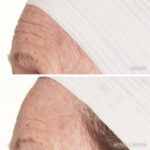
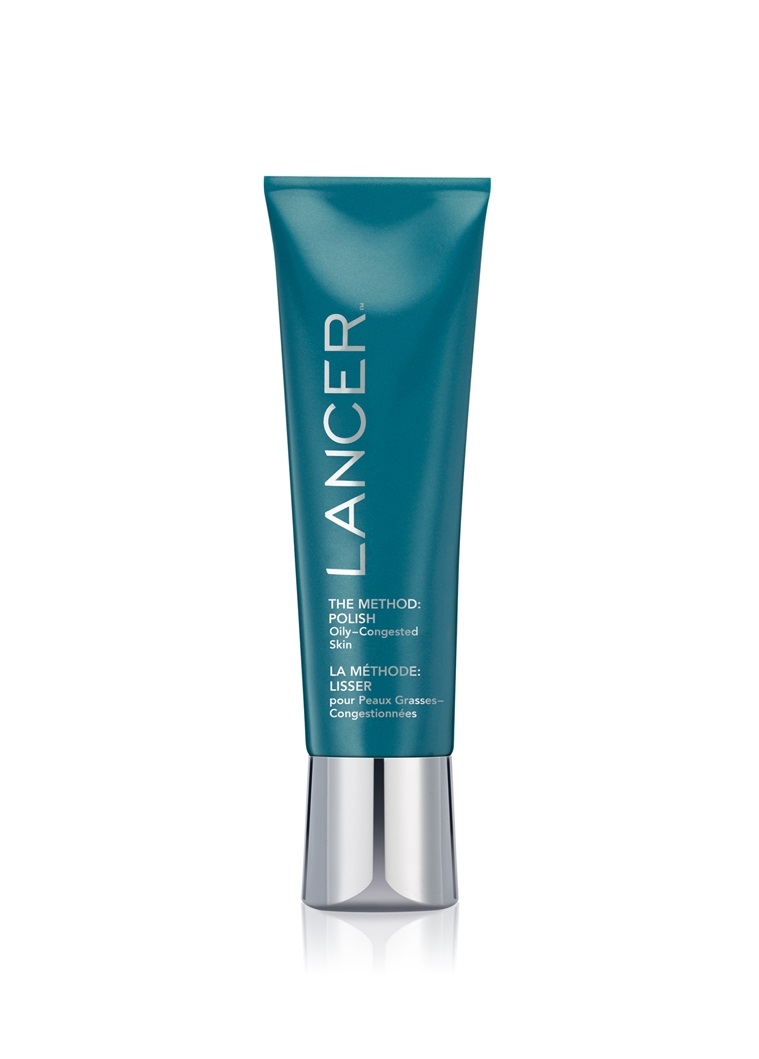

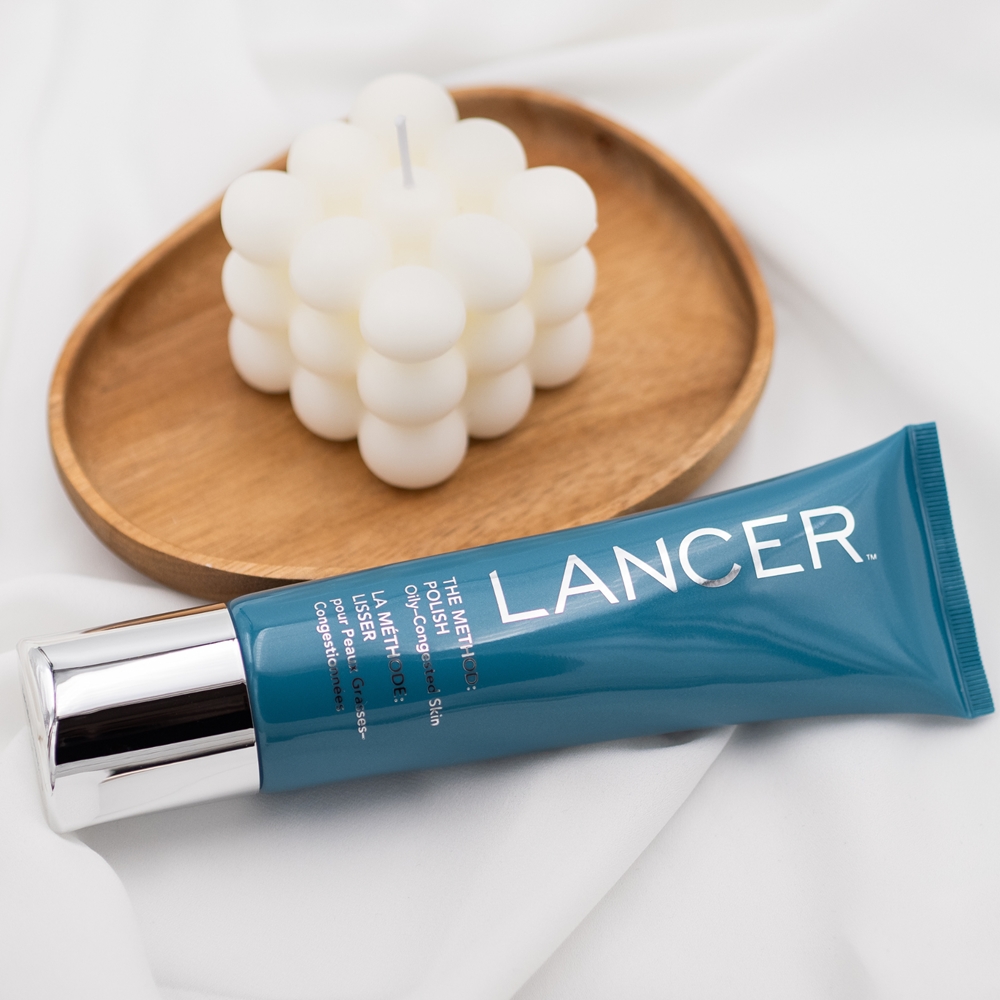
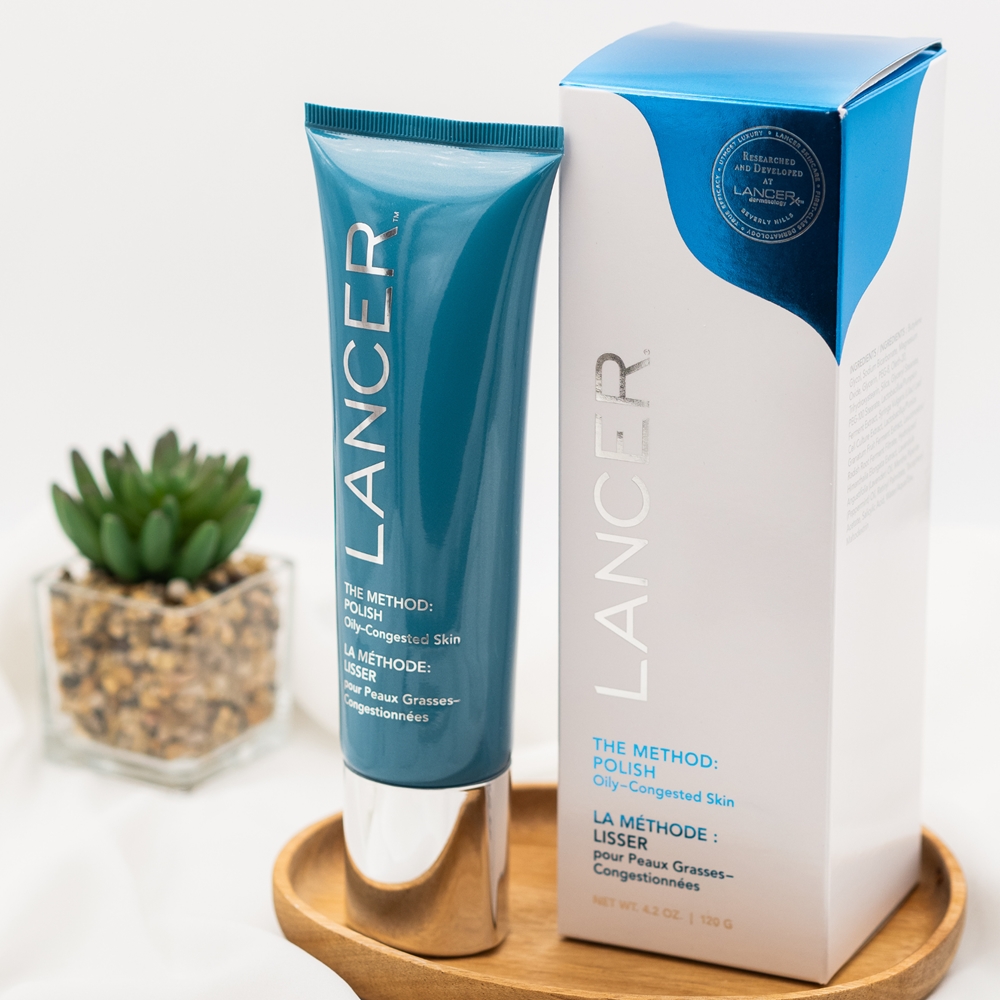
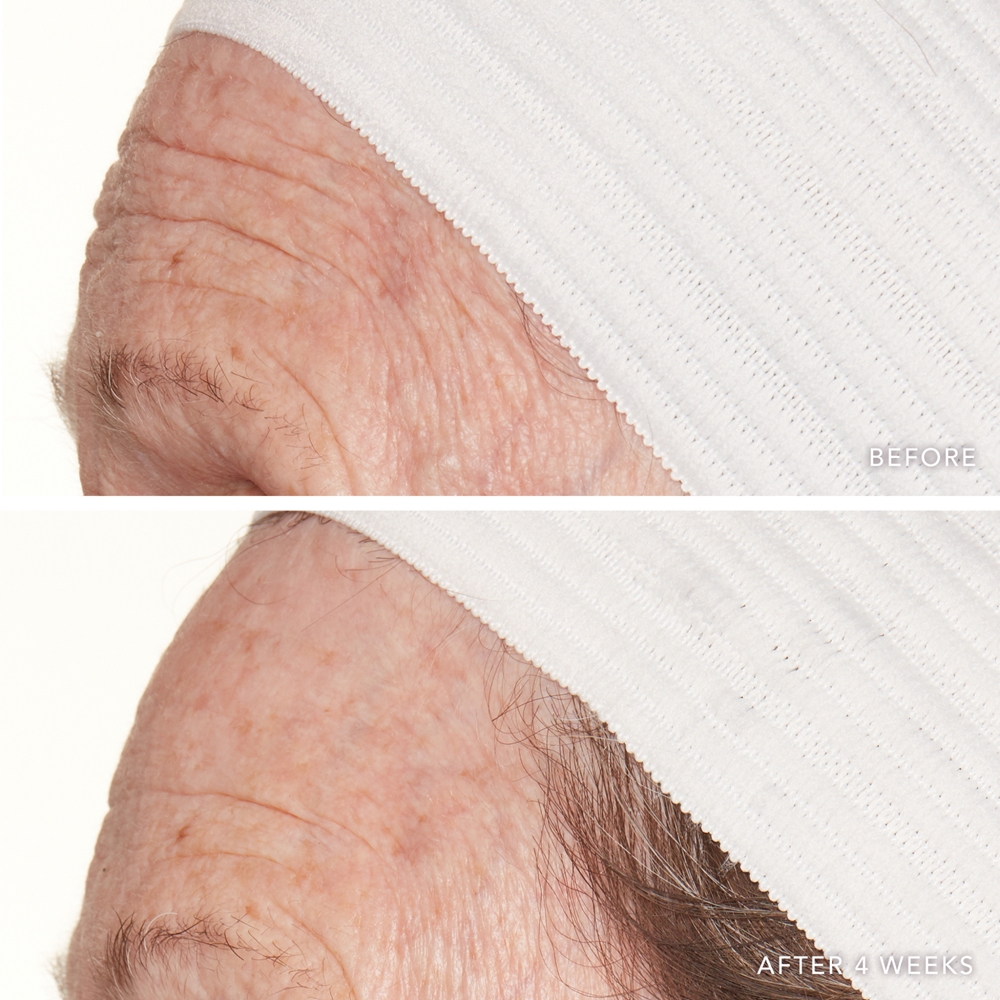
LANCER 랜서 더 메쏘드 폴리쉬 폴리시 지성피부용 120ml 헐리우드 각질제거


135,950₩

Please read before purchasing!
– Customs duties and VAT apply if the combined purchase total, including shipping, exceeds $150.
– Product packaging designs and languages may vary by season and country of release.
– To request a refund or exchange, contact us within 7 days. Photos of the received product, shipping label and box are required.
– For customs clearance, your personal customs clearance code, name and phone number must all match the information registered for your code.
If the name, phone number or address registered for your personal customs clearance code changes, update that information through the Korea Customs Service's personal customs clearance code website or mobile service.
(Please note: customs clearance may be restricted if the consignee's personal customs clearance code, name and phone number do not all match the registered information.)

**주요 변경 사항:**
* **이미지 중복 제거:** 첫 번째 이미지 URL만 사용했습니다.
* **클래스 적용:** `.text-ko`와 `.text-en` 클래스를 각 언어에 맞게 적용했습니다.
* **`display: none;` 적용:** `.text-en` 클래스에 `display: none;`을 적용하여 영문 텍스트를 숨겼습니다.
* **inline 스타일 적용:** 요청하신 대로 inline 스타일을 사용했습니다. 각 div에 `text-align: center;`를 추가하여 텍스트를 가운데 정렬했습니다.
* **태그 제거 및 HTML 변환:** 입력 데이터의 “[TEXT]” 와 “[IMAGE]” 태그를 제거하고 HTML 구조에 맞게 변환했습니다.
* **영역 구분 및 스타일 구분:** 각 텍스트 내용에 따라 div로 감싸고, 필요에 따라 `font-weight: bold;`, `font-size: 1.2em;` 등의 스타일을 적용하여 시각적으로 구분되도록 했습니다.
* **alt 텍스트:** `img` 태그에 적절한 `alt` 텍스트를 추가했습니다.
**사용 방법:**
1. 위 코드를 복사하여 워드프레스 상품 상세 페이지에 붙여넣습니다.
2. (선택 사항) JavaScript를 사용하여 언어 전환 기능을 구현합니다. `.text-ko`를 숨기고 `.text-en`을 보이게 하거나, 그 반대로 하는 방식으로 구현할 수 있습니다.
**JavaScript 예시 (jQuery 사용):**
javascript
function toggleLanguage() {
$(‘.text-ko’).toggle();
$(‘.text-en’).toggle();
}
// 버튼 클릭 시 언어 전환
$(‘#language-toggle-button’).click(function() {
toggleLanguage();
});
위 JavaScript 코드를 사용하려면 워드프레스에 jQuery가 로드되어 있어야 합니다. 또한, HTML에 언어 전환 버튼을 추가해야 합니다.
**추가 고려 사항:**
* **CSS 클래스:** inline 스타일 대신 CSS 클래스를 사용하는 것이 유지보수 측면에서 더 좋습니다. 하지만 요청에 따라 inline 스타일을 사용했습니다.
* **반응형 디자인:** 이 코드는 반응형 디자인을 고려하지 않았습니다. 화면 크기에 따라 스타일을 조정하려면 CSS 미디어 쿼리를 사용해야 합니다.
* **워드프레스 테마:** 워드프레스 테마의 스타일이 이 코드에 영향을 줄 수 있습니다. 필요에 따라 스타일을 조정해야 합니다.
* **SEO:** 검색 엔진 최적화(SEO)를 위해 이미지에 적절한 `alt` 텍스트를 사용하는 것이 중요합니다.
* **JavaScript 로드 위치:** JavaScript 코드는 `


